 Wildlife
Back with 3,000 frames? Keep the 400 that matter.
Wildlife Engine rates every frame for a sharp eye, clean focus and good exposure, keeps the best of each burst and names the species. It all happens on your own computer, so your photos never leave it.
- No card for the trial
- Works offline
- RAW + JPEG
- Lightroom ready
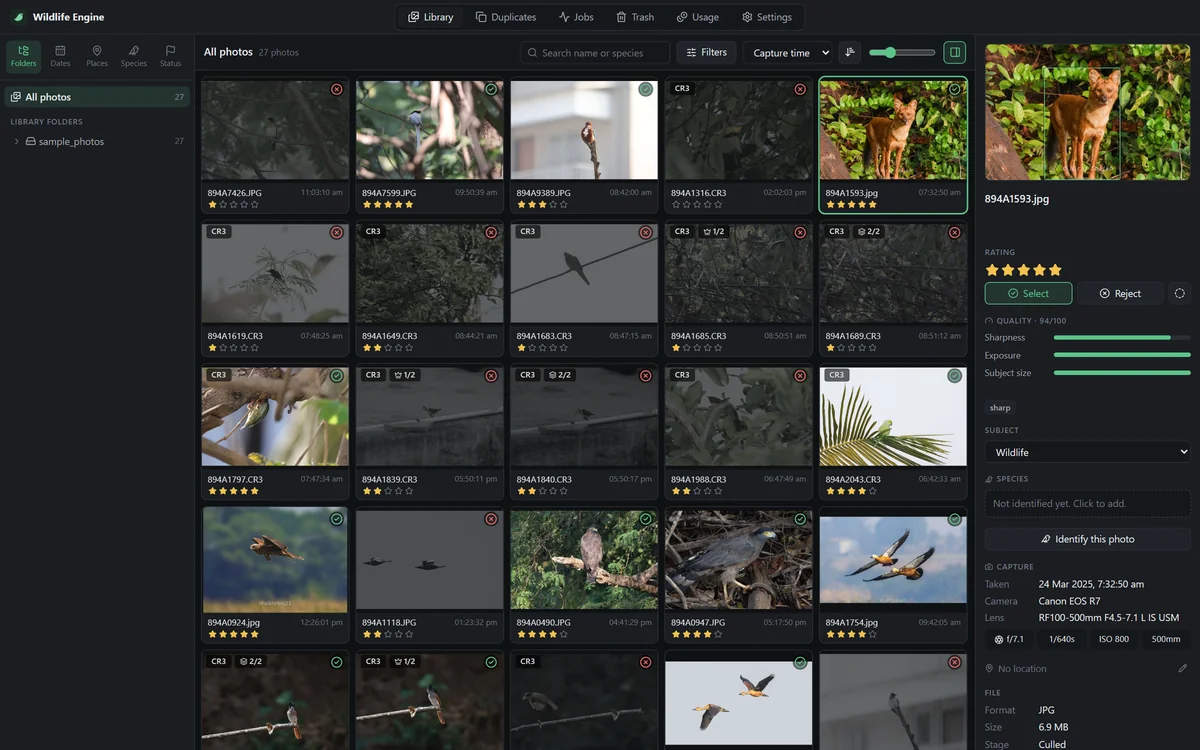
It looks at the animal, not the whole frame
A crisp branch can't rescue a soft bird. Every frame is scored on the subject: is the eye sharp, is the animal in focus, is it exposed well, and is it the best of its burst?
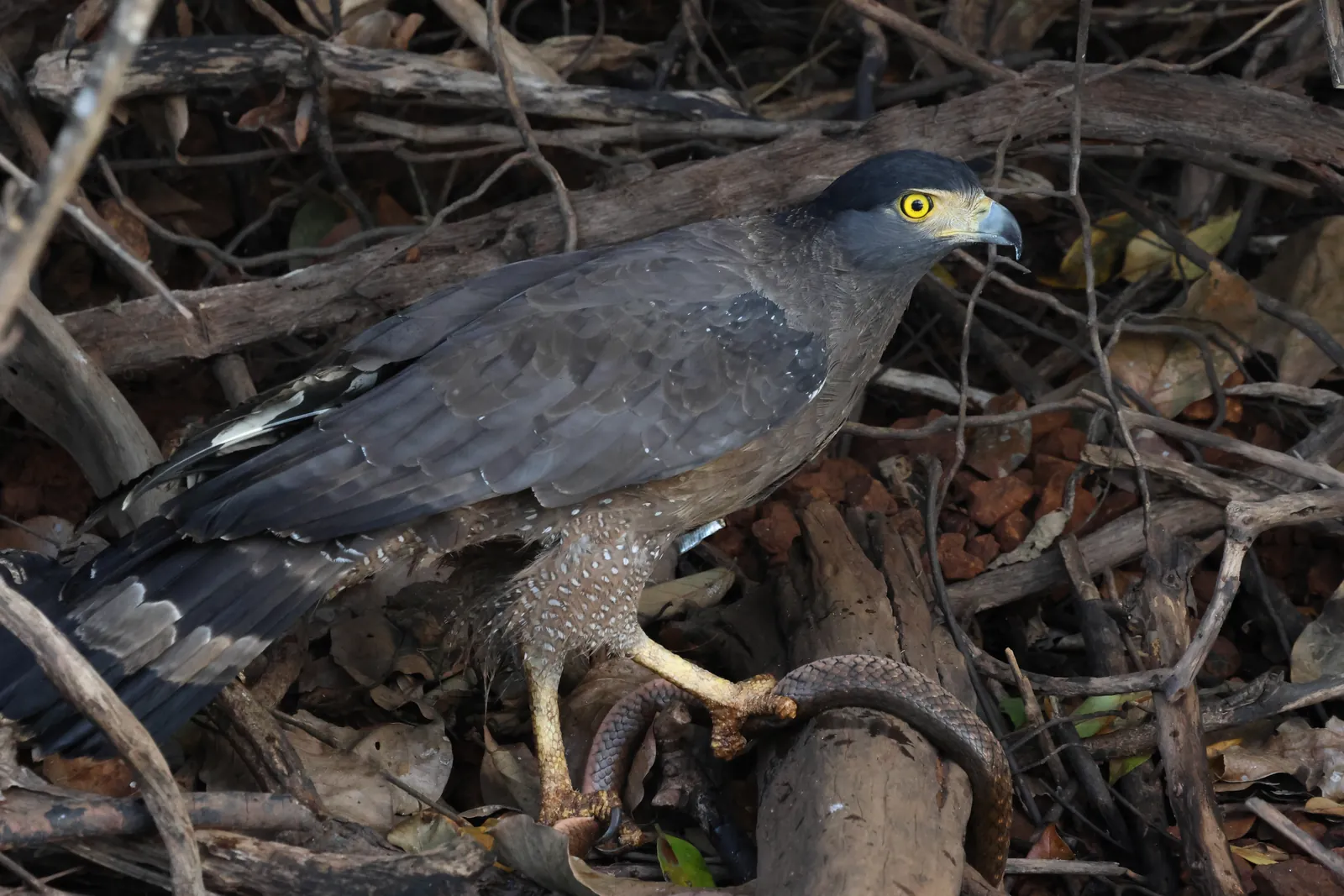
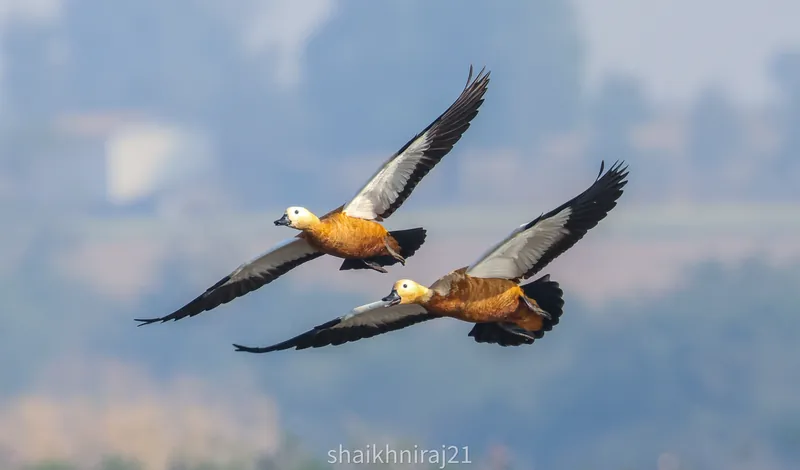
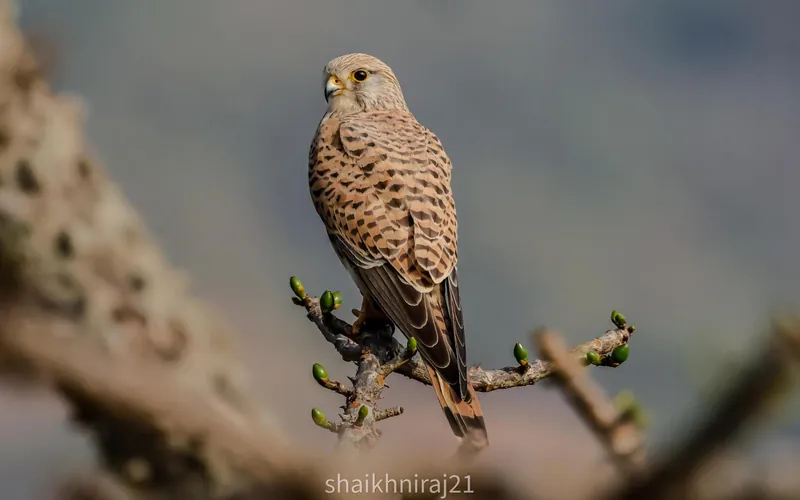
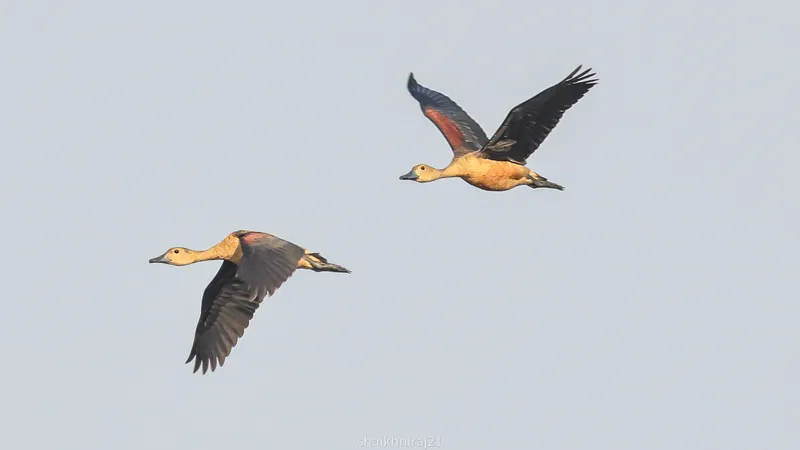
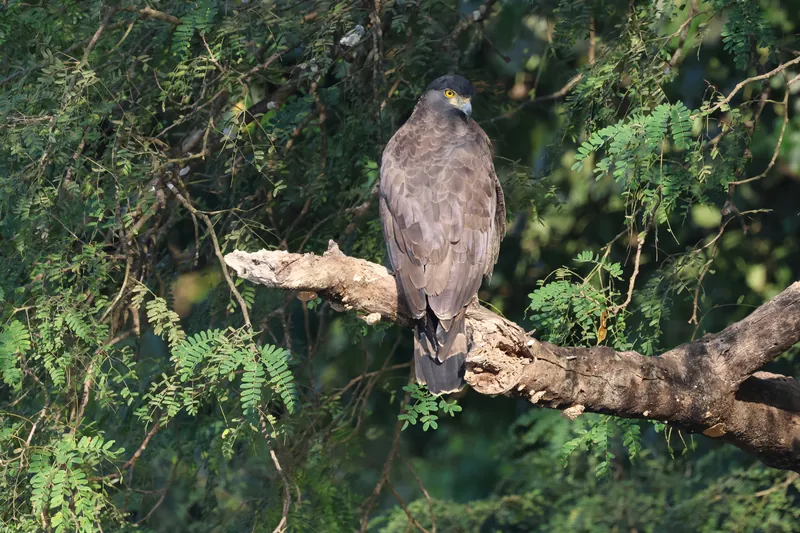
Four steps, and you only do the last one
Point it at the card
Add your memory card or trip folder. RAW, JPEG and RAW+JPEG pairs are read where they are. Nothing is moved yet.
It culls
Every frame gets 1 to 5 stars. Bursts are grouped, the best frames of each are kept and the rest go to Rejects.
It names the species
Your Selects are named on your computer. Only the few it isn't sure about are left for you, with its top guesses.
You review and sort
Change any decision with a key press, then sort into date, Selects and species folders. Ratings go to Lightroom.
Built for the way wildlife is shot
The eye
Finds the animal's eye and checks it is sharp. A frame with the head turned away never beats one that shows the eye.
Focus on the subject
Sharpness is measured on the animal, not the background, so a sharp branch can't save a soft bird.
Bursts
Frames from one burst are compared with each other. Keep the best 1, 2 or 3, your choice.
Small and hidden animals
Finds the deer in tall grass, the cat at night and the lizard on bark, not just the obvious bird on a branch.
Exposure
Blown highlights and crushed shadows on the subject lower the rating. A backlit silhouette is flagged, not thrown away.
Not wildlife
People, landscapes and snapshots between sightings are put in their own folder, not mixed in with your Rejects.
Named on your computer, no internet needed
Each animal is compared with the birds, mammals, butterflies, dragonflies and reptiles of your region. When it is sure, the photo is named. When it isn't, you pick from its top five guesses with one click.
All the world's birds and mammals are covered. Names are written into your files, so you can search your whole library for "kingfisher" in Lightroom.
Examples from our test photos- White-throated Kingfisher Halcyon smyrnensis99%
- Black-headed Ibis Threskiornis melanocephalus100%
- Purple Sunbird Cinnyris asiaticus98%
Measured on Canon R7 photos of birds, mammals and dragonflies from western India. Your results will vary with your subjects.
Your photos stay yours
Culling and species naming run on your own computer. Nothing is uploaded, there is no account to create and the licence is checked offline, so it works in a forest lodge with no signal.
Your originals are never changed. Culling only rates; sorting copies or moves files only when you ask, and every sort can be undone.
- Lightroom Classic
- Capture One
- Adobe Bridge
- darktable
Before you download
Does it change or delete my photos?
No. Culling only adds ratings. Sorting copies or moves files only when you ask, shows you a preview first, and can be undone. Rejected photos are never deleted for you.
Which cameras and files work?
JPEG, TIFF, PNG and the RAW files of Canon (CR2, CR3), Nikon (NEF), Sony (ARW), Fujifilm (RAF), OM System and Olympus (ORF), Panasonic (RW2), Pentax (PEF), Samsung and DNG, including RAW+JPEG pairs, which always get the same decision.
Do I need an internet connection?
Only to download it. Culling, species naming and the licence check all work offline.
Will it work with Lightroom?
Yes. Stars, Select or Reject and species names are written as XMP sidecars, which Lightroom Classic, Capture One, Bridge and darktable read. Existing sidecars are merged, never overwritten.
What computer do I need?
A 64-bit Windows 10 or 11 PC. No graphics card is needed: an ordinary laptop culls about 1,000 photos in 5 minutes.
What about species outside India?
All the world's birds and mammals are included. Butterflies, dragonflies, reptiles and amphibians are most complete for India today; other regions will follow.
Is there a Mac version?
Windows is available now, and on Android. Mac is next; email us and we'll tell you when it's ready.
More questions? See Help and guides, with a step-by-step guide and a video walkthrough.
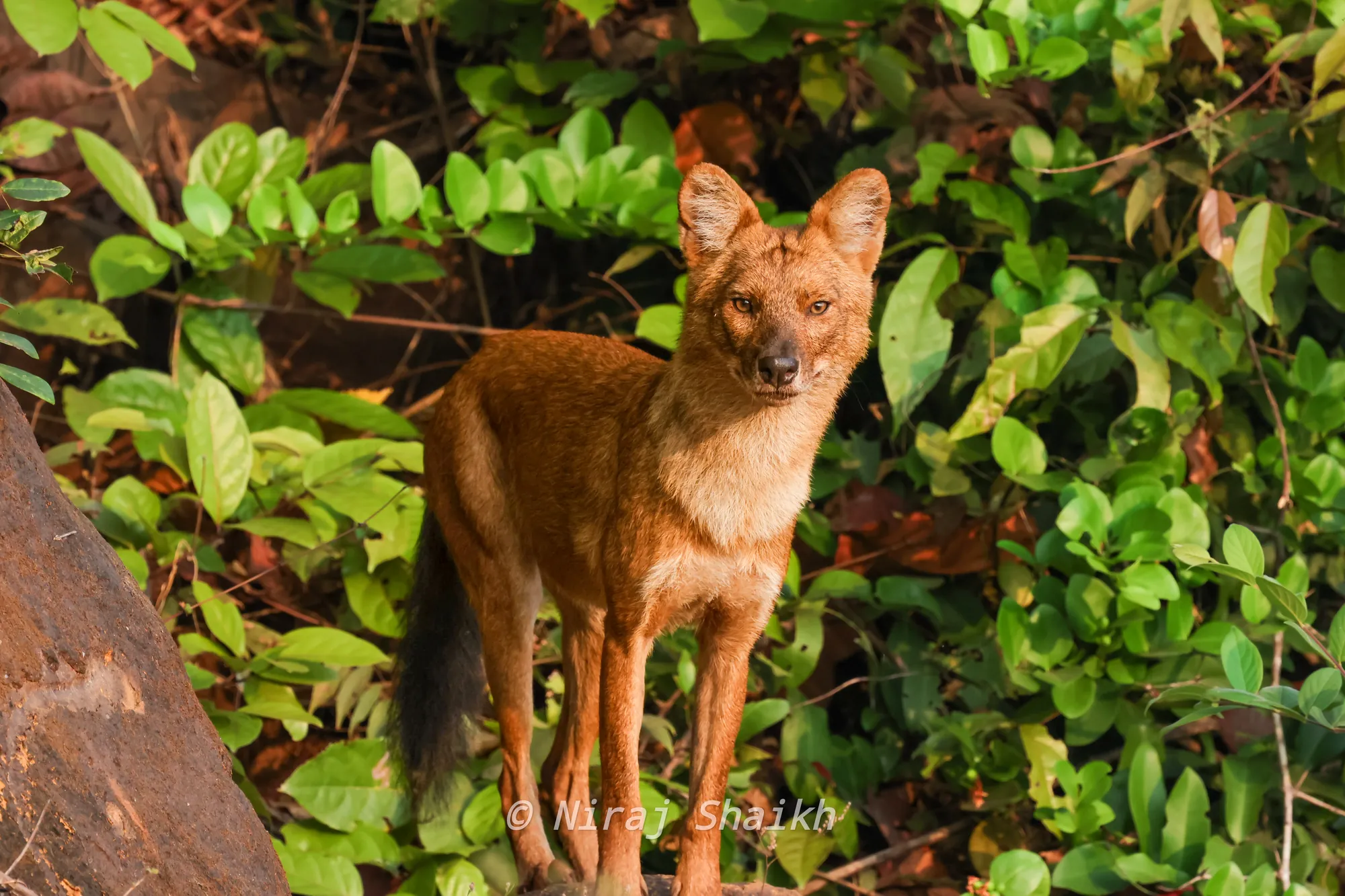
Spend your evenings editing, not sorting
Try every feature free on your first 500 photos. For 10 days, with no card and no account.